Chat and Roll
Find shows near you. Chat with the people going.
Concerts and events in one feed, with a chat for each one. Connect Spotify or Apple Music to meet fans with your taste. Plus free radio and podcasts.

Android? Coming soon to Google Play
Concerts and events in one feed, with a chat for each one. Connect Spotify or Apple Music to meet fans with your taste. Plus free radio and podcasts.
Android? Coming soon to Google Play
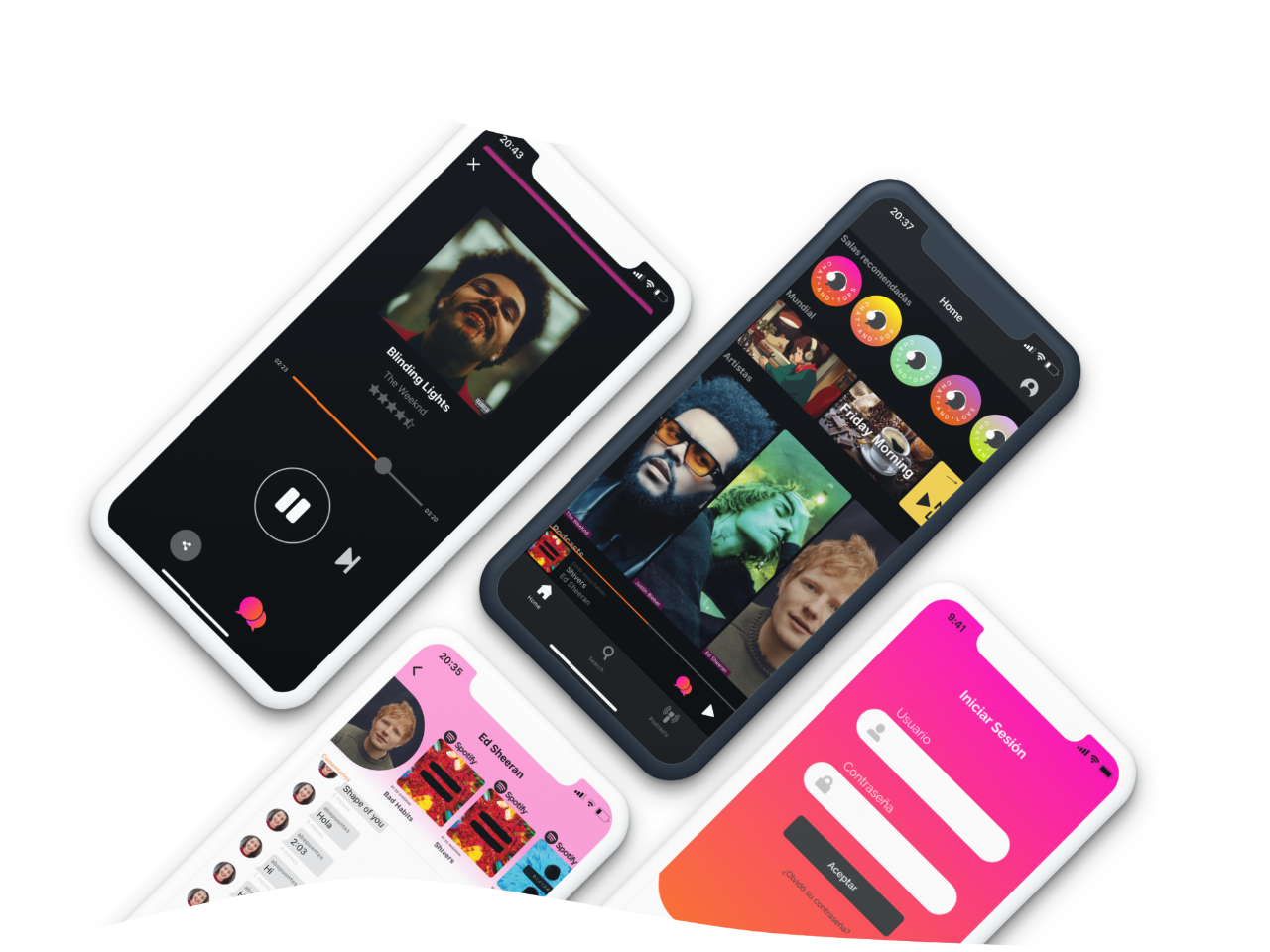
Every Chat and Roll user gets a free radio and podcast player.
Free. Find your next show and the people going.
Android? Coming soon to Google Play

Need help with the app? Check the questions below or write to us.
Check that your number includes the country code, wait a minute and request a new code. If it still doesn't arrive, write to us and we'll help you.
Make sure the Spotify or Apple Music app is installed and signed in on your phone, then try connecting again from the app settings. If it keeps failing, write to us.
Press and hold their message and choose Report. You can also block the user. We review every report.
Events come from ticketing partners like Ticketmaster and Passline, so coverage depends on your city. Tell us which city you're in and we'll look into it.
From your profile in the app, or without the app from this page.